
How to Make a Great Video About Your Work - Using Only a Smartphone
A free, practical guide for businesses, charities, community groups, and purpose-driven organisations.
By Common Good Films
Why Video?
Video lets people feel what you do. It brings your work to life — the faces, the voices, the moments — in a way that text or photos rarely can.
A simple, honest story builds:
Trust
Connection
Support
And the good news: You don’t need a crew, a budget, or technical skills. Just your phone, a clear story, and a calm place to film.
Step 1: Choose One Clear Story
The biggest mistake is trying to show everything. The strongest videos focus on one person, one journey, and one emotion.
Some story ideas:
A team member who quietly keeps everything running.
Someone’s personal journey and why they show up.
Someone you’ve helped sharing their experience.
A “day in the life” of your space or activity.
The impact you’ve made - told through one person’s eyes.
Ask yourself: “If someone has never heard of us, whose story would move them the most?”

Step 2: Plan Your Interview
This is the heart of your video. It doesn’t need to be scripted - just warm, open, human conversation.
Interview Setup.
Use a quiet room with natural soft light.
Film horizontally (landscape).
Position your speaker slightly off-centre
Ask questions, then let them finish their thoughts
Allow pauses - they’re powerful
Simple, effective questions:
“What brought you here?”
“What do you love about what you do?”
“What’s a moment that really stuck with you?”
“How does this project help people?”
“Why does this work matter to you personally?”
Keep it gentle and unhurried.

Step 3: Film Your B-Roll (Supporting Shots)
B-roll is the footage you place over the interview to show what you’re talking about.
Aim for 6–10 short clips (5–10 seconds each):
People:
Walking
Talking
Preparing
Working
Laughing
InteractingDetails:
Hands doing things
Faces
Noticeboards
Tools, materials, small objects
Moments of connectionSetting:
Doorways
Signs
Empty spaces
Warm corners
Wide establishing shot outsideFraming Tips
Place your subject slightly off-centre
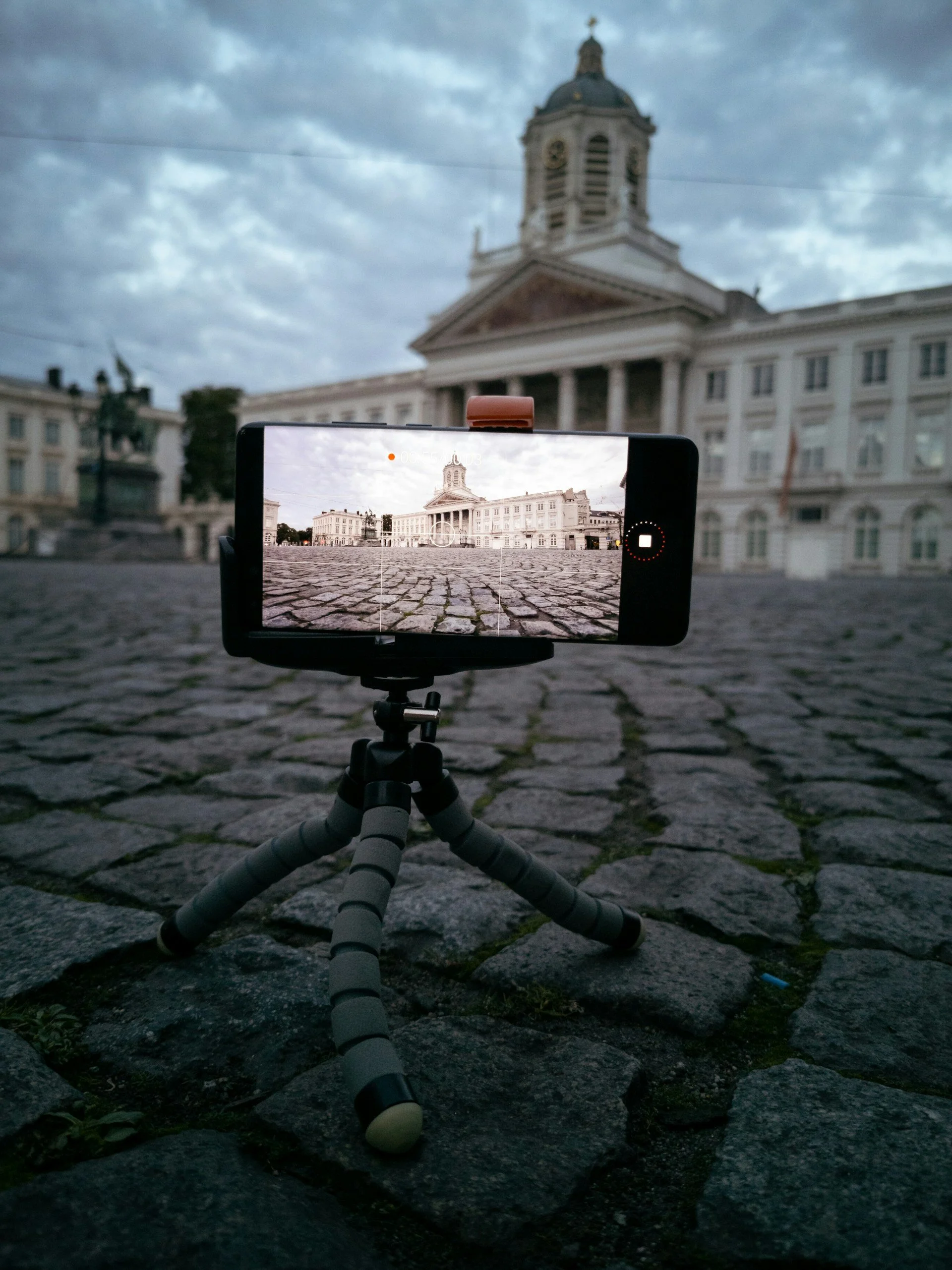
Keep the camera still (use a tripod / books / chair)
Use natural light wherever possible
Step 4: Edit Simply
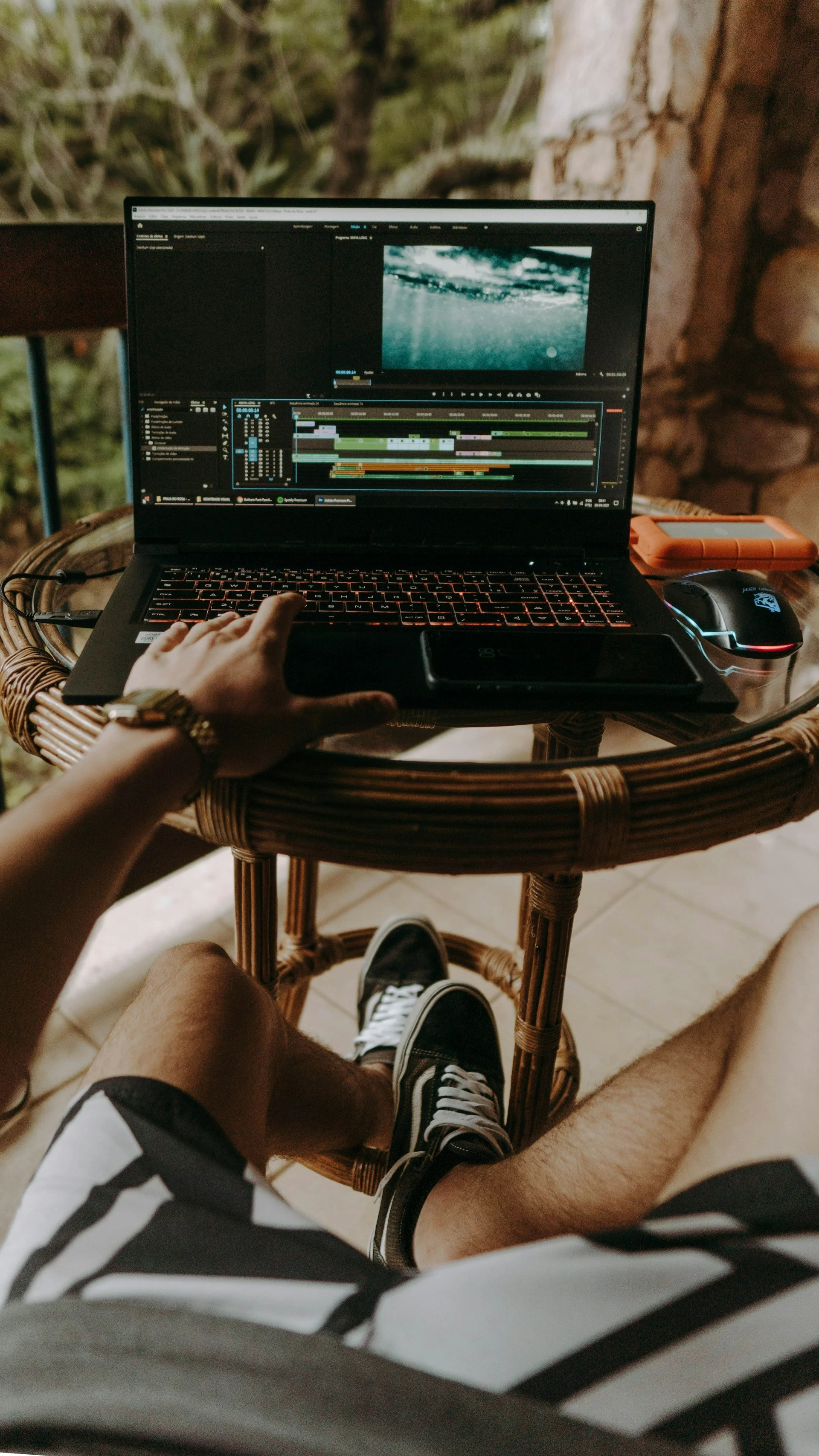
You don’t need complicated editing.
Free or easy tools:
CapCut (best all-round mobile editor)
DaVinci Resolve (professional, free)
iMovie (Mac)
Veed.io (great online editor + captions)
Editing Tips:
Use 2–3 of the strongest interview clips
Place your B-roll over the audio
Add gentle background music (YouTube Audio Library, Uppbeat)
Keep subtitles clean and readable (CapCut auto-captions work well)
Aim for a final length of 60–90 seconds
Short, clear, emotional always win.

Step 5: Share It Where People Already See You
Use your video intentionally:
Your homepage
Instagram / Facebook (square or vertical cut)
LinkedIn (professional audience)
Emails and newsletters
Funding applications
Reports or presentations
A simple caption you can adapt:
“Meet Sarah, one of the workers at the heart of what we do. Her story is a small glimpse of the community we’re building together.”
Bonus Tips
Always get permission before filming (a simple written OK is enough)
Use a tripod or rest your phone on a stable surface
Avoid echoey rooms and loud outdoor spots
Natural light > fluorescent lights
Honesty > perfection - always
Want Help Telling Your Story?
If you ever want someone to help you shape, film, and edit your story - that’s what I specialise in.
Common Good Films makes short, human-centred documentaries for businesses and organisations doing meaningful work in their communities.
See recent work or get in touch below: